
Sketch Nota – Transform notes into beautiful sketchnotes
Sketch Nota turns your ideas and markdown into hand-drawn style visual notes—with text, shapes, images, and export. Create, style, and share in one canvas.
See what you can create
Ideas turn into hand-drawn sketchnotes in seconds. Here are a few examples made with Sketch Nota.
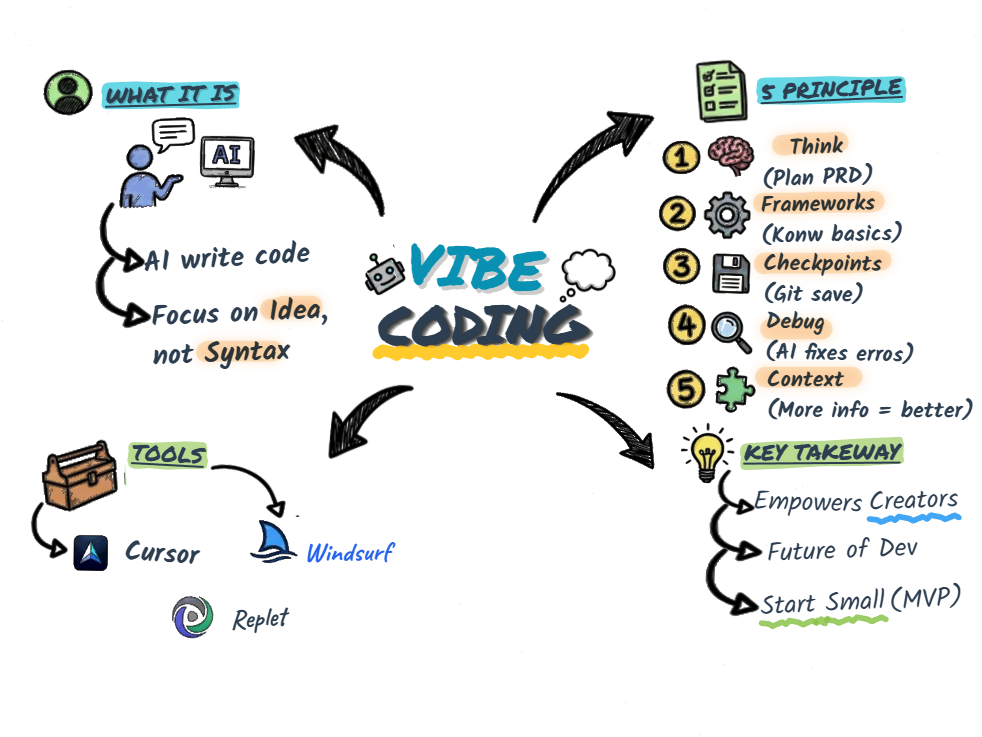
Sample idea 1

Sample idea 2
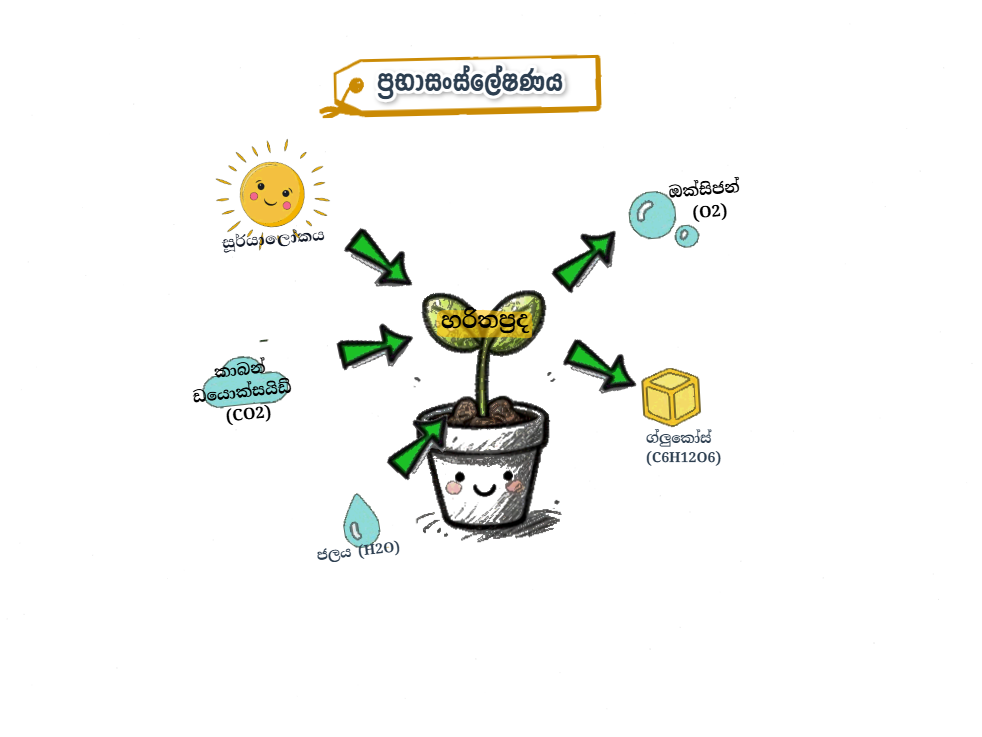
Sample idea 3
What is Sketch Nota?
Sketch Nota is a canvas-based app for creating sketchnotes—visual notes that combine handwriting-style text, shapes, and images. You get a single canvas with paper-style backgrounds, rough-drawn elements, and full control over layout and export.
What you can do
Text & typography
Add titles and body text with multiple fonts, sizes, and hand-drawn styles. Rich text with bold, italic, and inline images.
Shapes & icons
Place arrows, boxes, bullets, and icons. Choose from categories and search. Rough, sketch-like strokes with adjustable roughness.
Images & canvas style
Upload images, set canvas background textures (paper, grid, etc.), and use canvas-level or inline images in your layout.
Layout & export
Resize and arrange blocks, pick canvas size, and export to PNG or PDF. Save and load sketches when signed in.
How to use
- 1
Open the canvas
Click Explore or Try now to open the sketch canvas.
- 2
Add content
Use the sidebar to add text items, shapes, and images. Paste markdown or type; use the toolbar to style text and shapes.
- 3
Arrange and export
Drag to move and resize. Change canvas style and size. Export as PNG or PDF, or sign in to save sketches to your account.